Introduction
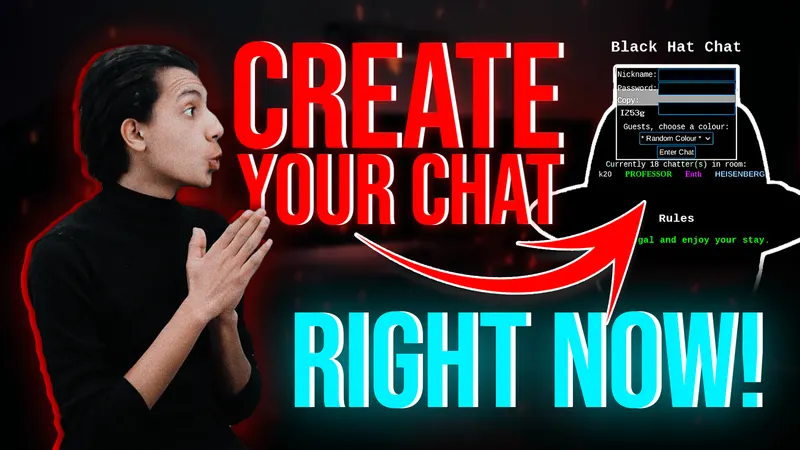
In this guide, we will be setting up your own version of BlackHatChatusing the LE CHAT Repo on GitHub. BlackHatChat is one of the most popular hacking chat rooms on the dark web, This chat platform is ideal for legal discussions and information sharing within the cybersecurity community. LE CHAT is designed to work seamlessly with Tor, without requiring JavaScript, and is fully customizable to suit your needs. In this guide, we'll focus on how you can customize and set up your chat exactly like BlackHatChat on the clear net.
Step 1: Start Apache and MySQL Servers
Before diving into the customization and setup process, ensure that both Apache web server and MySQL server are running on your system. Use the following commands to start the services if they are not already running:
Start Apache Web Server
sudo systemctl start apache2
Verify Apache's status to ensure it's running:
sudo systemctl status apache2
Start MySQL Server
sudo systemctl start mysql
Check MySQL's status to confirm it's running:
sudo systemctl status mysql
Step 2: Clone the LE CHAT Repository
If you prefer to host it in your Apache web server's HTML directory, use the following command:
cd /var/www/html
Clone the LE CHAT repository from GitHub to your local machine using Git:
git clone https://github.com/DanWin/le-chat-php.git
This command will download the LE CHAT script and its files to your current directory.
Step 3: Create MySQL Database and User
Access your MySQL command-line interface (CLI) and create a database and user for the chat application:
mysql -u root -p
Enter your MySQL root password when prompted, then execute the following commands within the MySQL CLI:
CREATE DATABASE lechatdb;
CREATE USER 'lechatuser'@'localhost' IDENTIFIED BY 'your_password';
GRANT ALL PRIVILEGES ON lechatdb.* TO 'lechatuser'@'localhost';
FLUSH PRIVILEGES;
EXIT;
Replace 'your_password' with a strong password for the 'lechatuser' MySQL user.
Step 4: Configure LE CHAT and Run Setup
Navigate to the LE CHAT directory and edit the configuration file to reflect your database settings and desired chat options:
cd le-chat-php
nano chat.php
Modify the database settings and other configurations as needed.
Finally, run the setup script to initialize the chat environment and create necessary database tables by accessing this URL from your browser:
http://<IP>/le-chat-php/chat.php
Follow the on-screen instructions to set up the Superadmin account and complete the installation process.
Conclusion
By following these steps, you can customize and set up your own version of BlackHatChaton the clear net OR EVEN THE DARK WEB BY FOLLOWINGTHIS ARTICLE. You can set up the chat using any hosting by unzipping the repository in the public_html folder and creating a MySQL database, following the same instructions for configuration. Alternatively, you can do the same locally using XAMPPon Windows or Linux. Remember to explore the customization options within the script to make the chat platform truly your own. Enjoy your secure and personalized chat experience with Your New BlackHatChat!
If you have any questions about this tutorial please leave a comment below or reach out to me on Twitter@amrelsagaei.